
MusicRadar’s got your back
Our team of expert musicians and producers spends hours testing products to help you choose the best music-making gear for you. Find out more about how we test.
What is it?
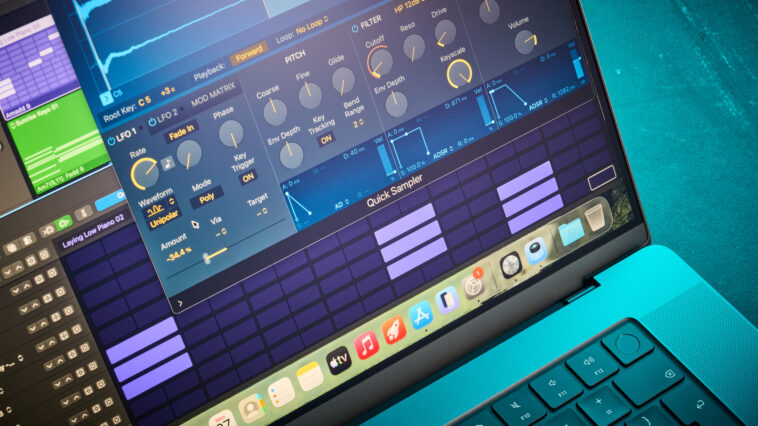
Apple’s MacBooks are no strangers to music production. They’ve been the device du jour for countless artists, audio engineers and producers – as anything from a day-to-day idea-sketching notepad to a live-rig backing-track brain to the electronic heart of a multi-million-pound recording studio. This range of applicability is part of Apple’s charm – and is starker than ever when we look at the new MacBook Pro.
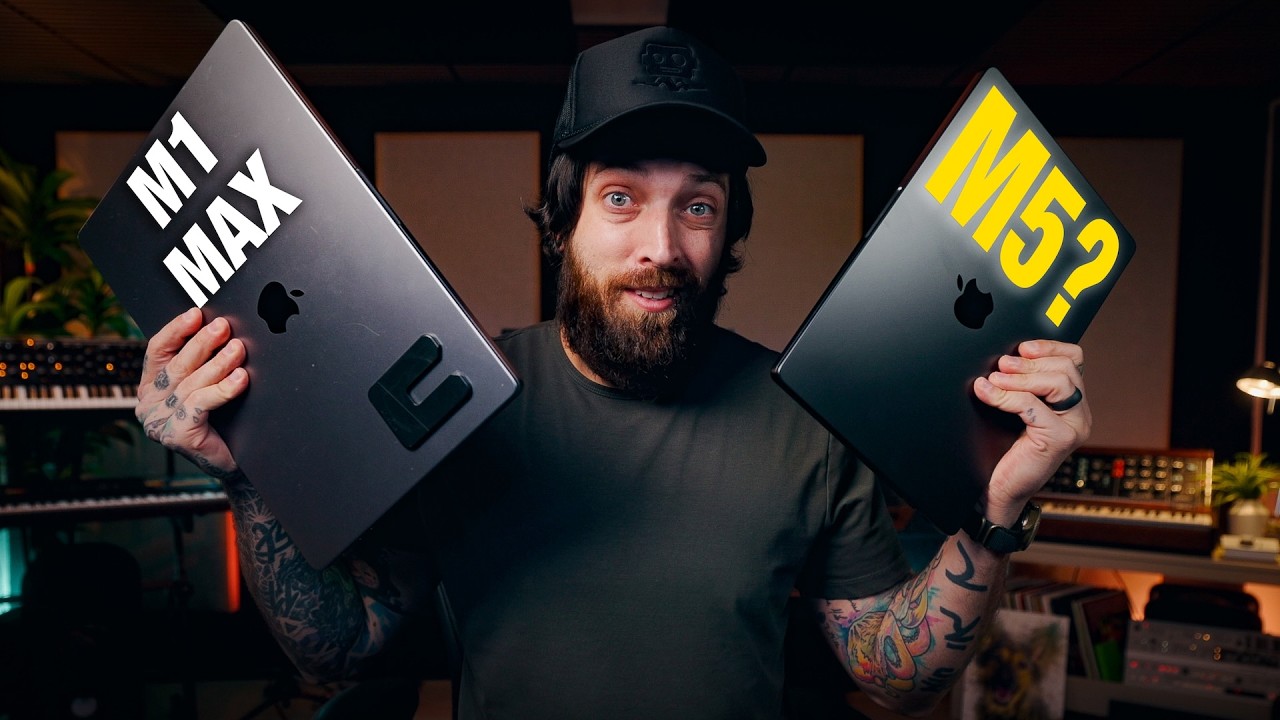
For my part, I’m no stranger to Apple either; while I spend a majority of my time writing, recording, producing and otherwise journalism-ing on a moderately-specced Windows laptop, my two-room multitrack recording studio is powered by an M1 Mac Mini – one of the very first in a thrilling new computational direction for Apple, and still a viably powerful machine for tracking and mixing. Now, though, with the MacBook Pro M5 Max on my desk some inches away, my humble Mac Mini has been rendered something of a baked potato with wires drooping depressively.
This is because the MacBook Pro M5 Max is not only the most powerful laptop Apple’s ever conceived, but also the single most powerful object I’ve ever handled. The M5 Max chip that defines its tech-smarts supremacy contains an 18-core CPU, a 16-core Neural Engine and either a 32-core or 40-core GPU, both of which collectively benefit from either 48GB, 64GB or 128GB of unified memory (Apple’s high-speed, juiced-up stand-in for RAM).
Latest Videos FromMusicRadar
The MacBook Pro I have for review is about as maxed-out as a MacBook Pro can get. It’s the 16.2” MacBook Pro M5 Max, with a 40-core GPU, 128GB of unified memory, a healthy 4TB of SSD storage (out of a possible 8TB) and the swanky nano-texture display to prove it. That 40-core GPU guarantees a memory bandwidth of 614GB/s, for effortless multitasking.
Given the sheer technological scope of this thing – and with the reminder that this device is thinner than my requisite copy of Ralph Denyer’s The Guitar Handbook – it should come as no surprise that the MacBook Pro M5 Max is a dense and weighty thing. If anything, it’s reassuring; this is a professional device. For professional people. Who devise things. Professionally. It’s actually a little daunting.
Not that I’m not a professional, of course. But given that an M1 Mac Mini has happily chugged along in powering my own studio environment for the last five years, the sheer potential of this ultra-powerful, natural-born rendering machine casts an edifying shadow. But more on that later.
For now, the form of the thing. Embedded in its sharp, sleek Space Black aluminium chassis is a very satisfying keyboard; I like the soft white backlight (which, of course, automatically adjusts to match the light level of the room you’re in). While we’re here, the trackpad is extremely capacious, to the point that it feels illegal to be controlling the cursor from wayyyy over here. The 16.2” nano-texture Liquid Retina XDR display atop it all looks, put simply, the business.
Elsewhere in the chassis, you’ll find three USB-C ports (which are also capable of two-way PD charging as well as data), an HDMI port, an SD card slot, a hugely welcome 1/8” jack headphone out, and the requisite MagSafe 3 charging port. It’s a healthy level of I/O, though the lack of USB-A all but guarantees you’ll need some kind of third-party USB expansion for MIDI keyboards, conventional USB sticks and the like.
Performance
The MacBook Pro M5 Max is, on paper, easily the most powerful computer I’ve ever held, and by an order of magnitude too. But impressive numbers and words don’t always translate to real-world results. So how does it do?
For starters, my day-to-day use of the MacBook Pro M5 Max presented barely any challenge to the computational megamind within; quelle surprise. With a handful of browser tabs open, a word processor engaged and Logic Pro quietly ready in the background, Apple’s Activity Monitor app registers around 94% of the MacBook’s processing power to be idle – with an average of 3% of the load pinned to user activity.
But this isn’t ThirtysomethingMusicJournoRadar. It’s MusicRadar. So, how does it do when you actually do music with it? Well, as an ad hoc, on-lap, at-home amuse-bouche: loading up Logic Pro with 525 channels worth of samples and VST instrument loops across 48 sub-groups, and playing them all back, caused user-associated CPU load to peak at just 56%. It also sounded awful.
I did notice my thighs getting a little warm during this test, which I initially took to be a sign that the MacBook Pro M5 Max was human after all
But crucially, the MacBook didn’t break a sweat while sounding awful – and had absolutely zero problems with additional tasks during playback either, whether it was me auditioning additional sound packs in Logic Pro’s library, opening multiple browser tabs or writing up notes. Consider, too, that roughly half of those 525 channels had instrument and effects VSTs loaded up too – mostly a resource-intensive one-two punch of Alchemy and Space Designer, with odd smatterings of chorus and delay.
I did notice my thighs getting a little warm during this test, which I initially took to be a sign that the MacBook Pro M5 Max was human after all. Until they started to cool off again. I realised the fan was on, and quieter than whisper-quiet; I didn’t notice it kick in, and actually couldn’t hear it at all over the subtle buzz of my fridge – which, granted, is a cheap fridge, but is also behind two fire-safe interior doors and under some stairs.

Being able to run high-demand sessions without bringing unwanted fan noise into your control room or music production space/environment/situation is one of the little things that creeps up on you as Actually Quite Important, Really. In music production, you might never need to ask the Pro M5 Max for more than half of its attention, but you’ll also never have to contend with the noise-polluting effects of asking more from a lesser laptop. In terms of actual, professional practicality, the MacBook Pro earns its Pro-ness easily on this little thing alone; to me, it demonstrates the Pro M5 Max’ engineering to be far more than wallet-stretching, spec-sheet smirkery.
In another attempt to get the MacBook Pro M5 Max to show some signs of difficulty, I loaded up a stack of 32-bit/192kHz field recordings taken as part of my Tascam FR-AV4 field recorder review. Each got a dose of Space Designer and stereo compression, then duplicated ad nauseam; with maximum processing power and buffer settings engaged in Logic’s settings, it took 226 verb-laden tracks for me to get a system overload message. No one works like this, but even if they did, that’s a lot of headroom.
In using the MacBook Pro M5 Max for more conventional tasks, like tidying up a drum recording session and trialling a basic mix of a live recording, I found it faultlessly responsive. I also dared to try a mix out without plugging my interface in. I used my HEDD D1 open-back headphones, and relied on the Pro M5 Max’s built-in DAC to see me through – which it did, and remarkably well. That built-in DAC is happy converting up to 96kHz, and with 32-bit support too; while I felt naked working without my typical I/O, I was happy to find that auditorily, I wasn’t missing anything.
As for battery life: the MacBook Pro M5 Max has a lot of it. A three-hour stint of using the MacBook Pro M5 Max for lightweight daily tasks – answering emails, multi-tab browser research, and typing out the vast majority of this very review – yielded around a 6% drop in battery life from full. The meatier experiments I ran in Logic Pro took me down to just below 50% over the collective course of around five or six hours. Altogether, a single charge was enough for me to get all the impressions I needed for this review – a breath of fresh air in a world of ever-cheapening onboard batteries, and particularly encouraging for something so irrationally powerful.

Verdict
It won’t be a Shyamalan twist to learn that I have an extremely high opinion of the MacBook Pro M5 Max. It’s the ultimate portable workstation, capable of handling pretty much everything you could conceivably throw at it without so much as breaking a sweat. It’s unprecedentedly powerful, and simultaneously an absolute joy to engage with. But.
Before I can render a true verdict, we have to address the elephant in the room: the price. Apple’s pricing is nothing new, of course; the big question on most lips when it comes to buying one of Apple’s more juiced-up fruits-of-labour is, essentially, “can I justify spending a not-inconsiderable/princely/quite-considerable/titanic amount of money on this thing?” With the Pro M5 Max, titanic is very much the word.
My near maxed-out 16.2” review unit has all the top-shelf options and accoutrements, save for the SSD storage – which is 4TB, instead of the max 8TB option. The result is a laptop that costs £8248/$8149. Closer to £/$8500 if you want a new Logic Pro license bundled in too. There are plenty of ways to shave this cost down, of course; as a producer, how much are you really going to need that 40-core GPU? And unless you’re Hans Zimmer, do you need 128GB of unified memory to run a DAW session?

Still, the price is an issue – and my issue with it is crystallised by the price structure for internal storage. Upgrading from the base 2TB SSD to 4TB costs an extra £/$1000, or £/$3000 to 8TB. This MacBook could easily cost you over £/$10k, and a third of that price would be attributed to storage.
This is clearly, and in no small part, related to a recent rise in memory prices as prompted by the AI boom. Other personal (and hugely negative) opinions on AI in music aside, it is a monumental shame that Big Tech is so incentivised to push the technology that storage becomes the most expensive part of the equation. But does this answer fully for that high price-per-terabyte? Or is there an ‘Apple premium’ in play, which may still be flying a little close to the sun on this one?
I do not see a lifetime in which I naturally reach the limits of what this device is capable of
Computationally, on a bang-per-buck basis, the MacBook Pro M5 Max clearly and coolly delivers. For my part, I do not see a lifetime in which I naturally reach the limits of what this device is capable of. In my stress-testing, I vastly exceeded the bounds of practicality or even plausibility with respect to what a studio stint or production session of mine could ever require. But this raises the question of whether this device’s outsized capabilities – and the outsized costs associated with them – are necessary for the vast majority of musicians and producers, professionals included.
Don’t get me wrong; as a professional and in professional settings, I love this thing to pieces. But I couldn’t afford it, and I clearly don’t need to. Meanwhile, if you are a professional and you can afford it, you should probably buy it. And you likely won’t regret it either.
Hands-on videos
Alternatives
Specs
|
Launch price |
$599 | £599 | €699 |
|
Key features: |
Operating system: macOS Processor: Apple M5 Max chip 18‑core CPU with 6 super cores and 12 performance cores 40-core GPU Neural Accelerators Hardware-accelerated ray tracing 16‑core Neural Engine 614GB/s memory bandwidth Memory: 128GB unified memory Display: 16.2″ Liquid Retina XDR display 3456×2234 native resolution at 254 pixels per inch Nano-texture display Storage: 4TB SSD I/O: SDXC card slot HDMI port 3.5mm headphone jack MagSafe 3 port Three Thunderbolt 5 (USB-C) ports with support for: Charging DisplayPort Thunderbolt 5 (up to 120Gb/s) USB 4 (up to 120Gb/s) Power: Built-in 36.5‑watt‑hour lithium‑ion battery 20W USB-C Power Adapter USB-C Charge Cable (1.5 m) |
|
Dimensions: |
Height: 1.68 cm (0.66 inches) Width: 35.57 cm (14.01 inches) Depth: 24.81 cm (9.77 inches) |
|
Weight: |
M5 Pro: 2.14 kg (4.7 pounds) M5 Max: 2.15 kg (4.7 pounds) |
|
Contact |